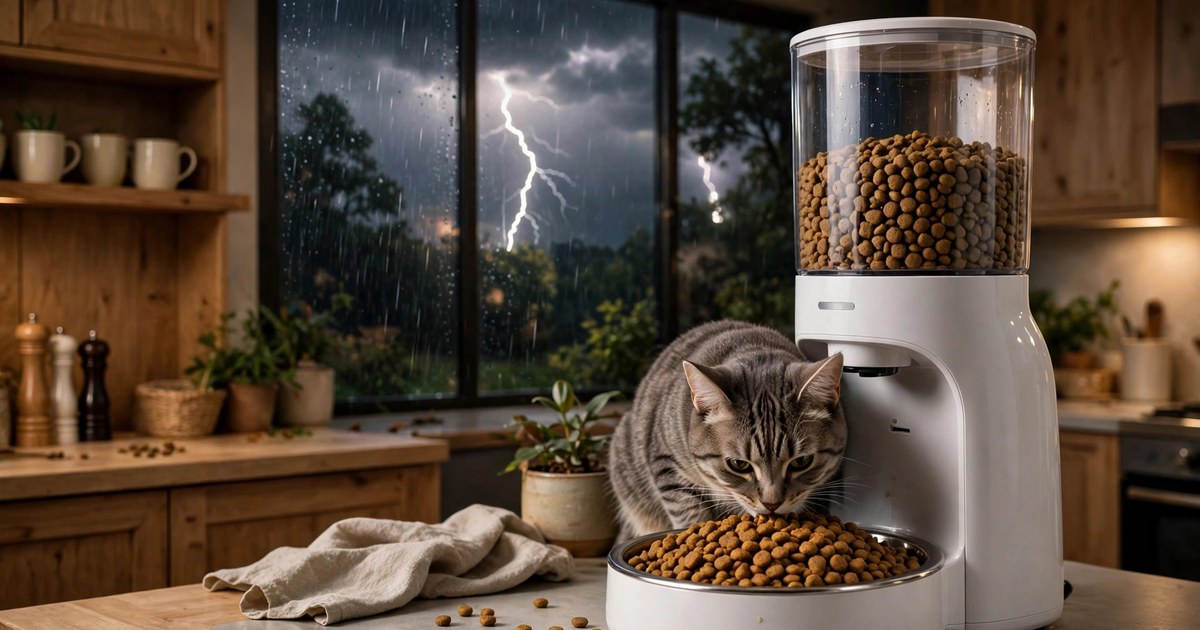
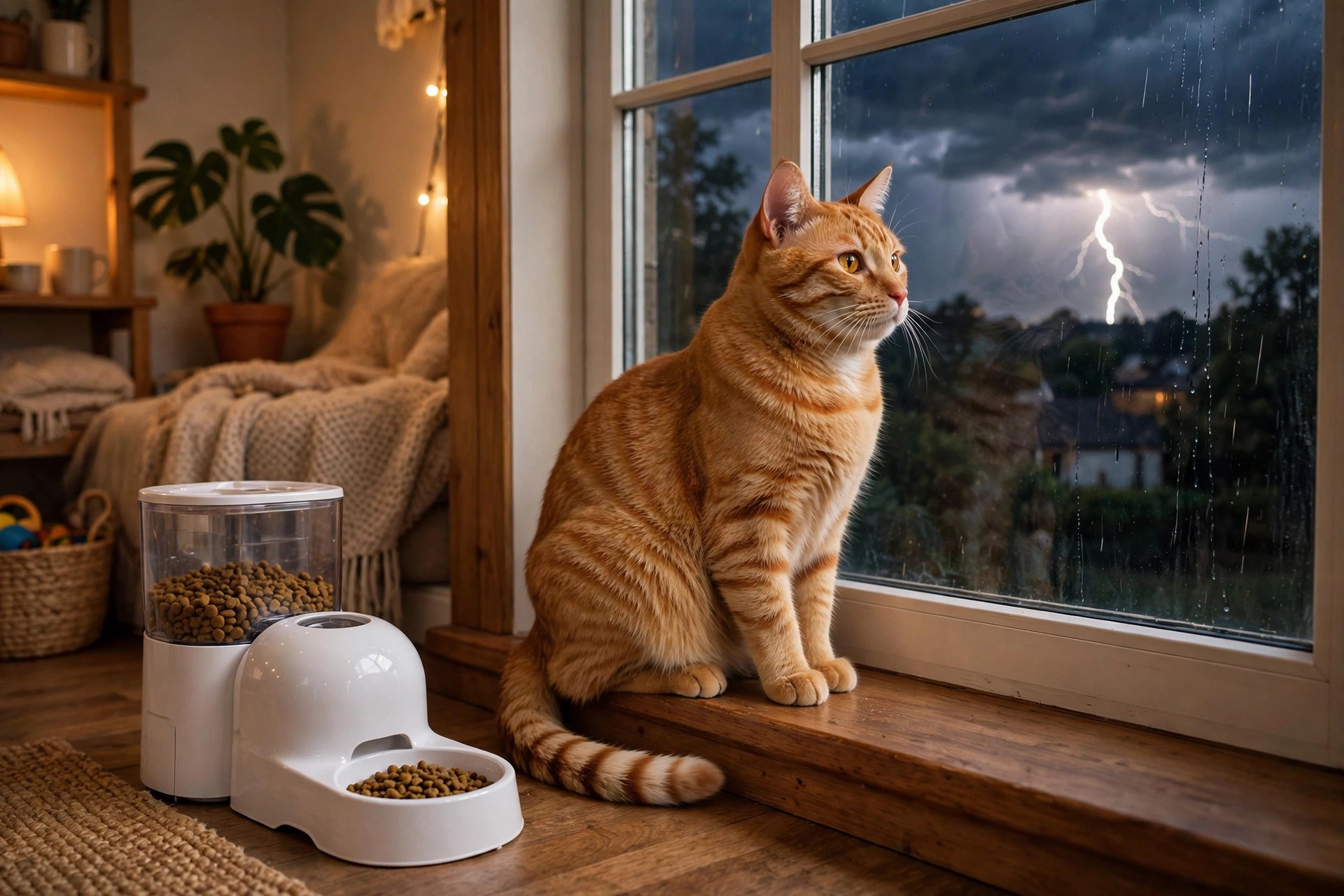
You are sound asleep during a midnight thunderstorm. The lights flicker, the Wi-Fi router blinks off — and your cat's automatic feeder sits silent in the corner. You bolt upright: will my PETKIT feeder still dispense food when the power goes out?
Good news: yes, it will — if you installed backup batteries. Without them, it won't dispense a single kibble. Below is everything you need to know: exactly how PETKIT feeders behave in an outage, which batteries each model needs, what still works and what doesn't, and a simple setup checklist so your pet never misses a meal.
The Short Answer: Yes — If Backup Batteries Are Installed
Every PETKIT automatic feeder has a dual power system: it runs off the wall adapter for daily use and falls back to batteries when the power cuts. The catch? Batteries are never included in the box. If you never opened the battery compartment, your feeder has no backup — and during an outage it simply stops.
With fresh batteries installed, the feeder keeps running its saved schedule exactly as programmed. The official PETKIT FAQ confirms it: after installing the backup batteries, the feeder will still dispense food according to the schedule you set, even during a power outage.
What Actually Happens During a Power Outage
When mains power drops and battery mode kicks in, your PETKIT feeder doesn't behave exactly like normal. Here's the play-by-play:
- Scheduled meals keep dispensing. Your feeding plan is stored in the feeder itself, so up to 10 meals per day continue right on time. This is the big one — the feeder was designed for exactly this scenario.
- The camera turns off (camera models). On models like the YumShare Dual-Hopper 2 with camera, the camera automatically shuts down when running on batteries alone, to stretch battery life. Your pet still eats — you just can't watch.
- The app can't reach the feeder. No power means no Wi-Fi, so app-based "feed now" taps, schedule changes, and feeding records won't go through until power (and your router) return.
- The manual feed button still works. The physical button on the feeder dispenses a portion on battery power — handy if you need to hand out a meal yourself mid-outage.
- Alerts you get later. Some models send a power-failure notification through the app once everything reconnects, so you can see what happened while you were away.
The bottom line: scheduled feeding = yes; remote control = no. Battery backup keeps the essentials alive and powers down the extras.
PETKIT Battery Backup by Model (Don't Guess — Check Yours)
This is where owners get tripped up: different PETKIT models take different batteries. Buy the wrong size and the compartment won't even close. Find your model on the bottom sticker, then match it here:
| Model | Backup batteries needed | Count |
|---|---|---|
| Fresh Element Solo | AAA alkaline | 5 |
| YumShare Dual-Hopper 2 (with camera) | D alkaline | 4 |
| P570 (Automatic Pet Feeder) | AAA alkaline | 3 |
| P571 / Smart Feeder with camera | AAA alkaline | 5 |
Two universal rules across every model:
- Batteries are sold separately. PETKIT includes the compartment, never the cells. Grab a pack when you unbox.
- Battery mode is for emergencies only. PETKIT's own documentation says not to run the feeder on batteries as its sole long-term power source — the wall adapter stays the primary feed.
How to Set Up Battery Backup in 5 Minutes
Do this today — not when the storm siren sounds.
- Buy the right batteries. Use the table above. Alkaline cells are fine; rechargeables are acceptable but self-discharge faster in storage, so alkaline is the safer set-and-forget choice.
- Unplug the feeder. Work on it with the adapter disconnected so it cleanly switches to the new batteries and confirms the install.
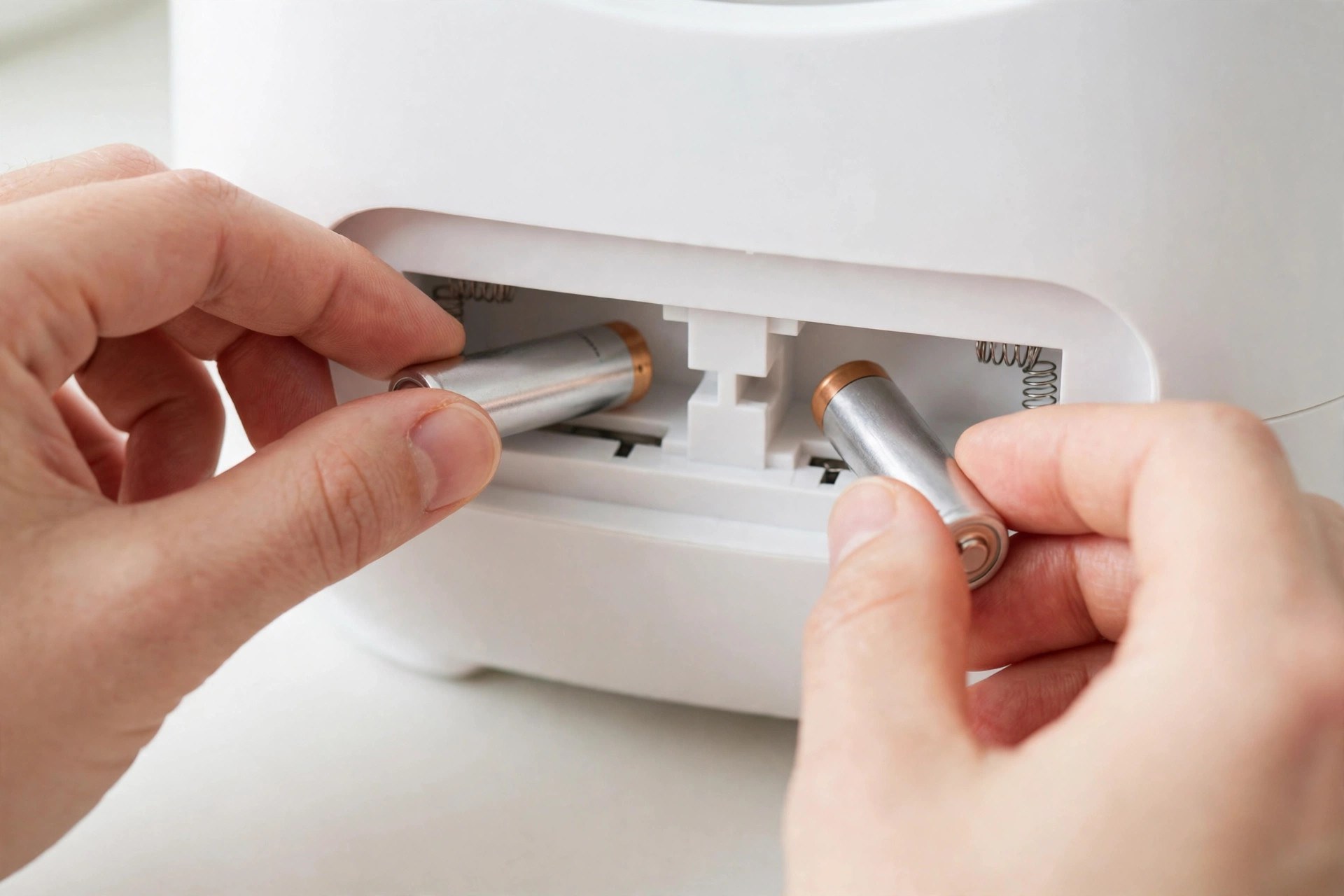
- Open the battery compartment. It's on the underside of the feeder — slide or twist the cover open depending on your model.
- Insert batteries, respecting polarity. Match the + and − markings. Close the cover firmly.
- Test it. Unplug the adapter, wait for the next scheduled meal (or press the manual feed button). If food dispenses, your backup is live. Plug the adapter back in.
Write today's date on a sticky note under the feeder — you'll thank yourself in step 4 of the next section.
What Works vs. What Doesn't During an Outage
Keep this quick reference pinned on the fridge:
| Feature | During a power outage (batteries in) |
|---|---|
| Scheduled meals | Works — dispensed on time |
| Manual feed button | Works — one press, one portion |
| Feeder camera | Off — disabled to save battery |
| App control / extra feeds | Unavailable — no Wi-Fi until power returns |
| Feeding records / logs | Pause — syncs when the app reconnects |
| Fresh-lock desiccant + sealed hopper | Works — food stays fresh either way |
Before Storm Season: Your Feeder Readiness Checklist
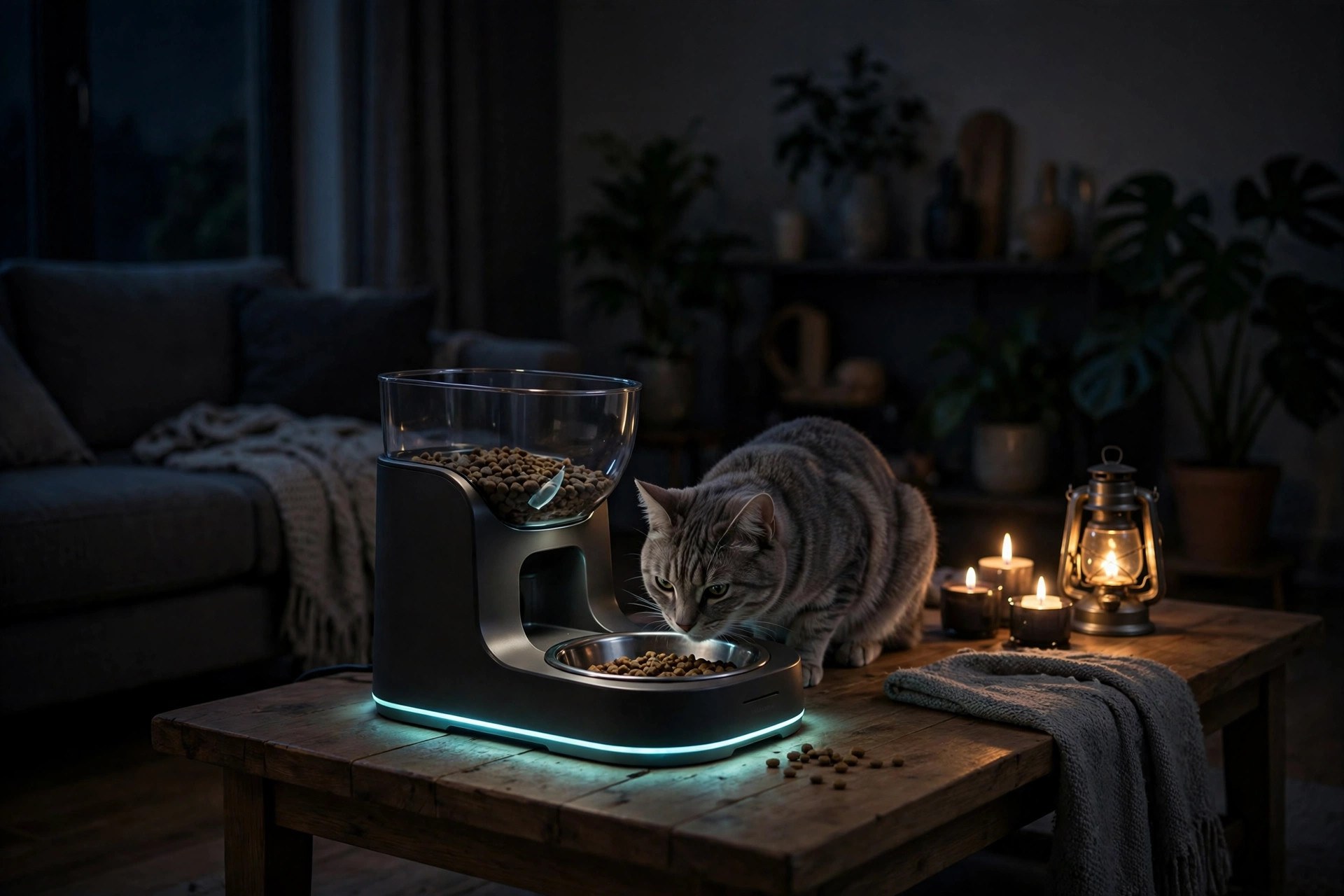
Power outages usually arrive with storms. Run through this once before the season starts:
- Fresh batteries in the compartment — replace at least once a year (alkalines can leak if left for years).
- A spare set of the same battery size in a drawer nearby — so a mid-outage swap takes seconds.
- Hopper topped up. A feeder with backup power and an empty hopper still feeds nothing. Fill it before you leave the house.
- Kibble sized right. Oversized kibble can jam the rotor — battery mode won't fix a mechanical jam. Stick to the size range in your manual.
- Test monthly. Unplug for one scheduled meal every few weeks. A 60-second test beats discovering dead batteries mid-blizzard.
- Know your manual override. If batteries die too, the hopper lid opens by hand — you can always scoop kibble yourself as a last resort.
The ASPCA's disaster preparedness guidance adds the bigger picture: keep several days of bottled water and dry food on hand, and have an evacuation plan that includes your pet — no gadget replaces that.
5 Mistakes That Leave Your Feeder Dead When the Power Fails
- Never installing the batteries. The most common mistake — the compartment sits empty for years because "I'll do it later."
- Assuming Wi-Fi works in an outage. Your schedule is stored in the feeder, but the app's "feed now" button needs your home network. Plan around it.
- Buying the wrong battery size. A D-cell model with AAAs bought on guesswork is no better than an empty compartment. Check the bottom sticker.
- Using batteries as the only power source. They're an emergency bridge, not a lifestyle. PETKIT warns against battery-only operation long-term.
- Forgetting the hopper. Backup power dispenses food only if food is there to dispense. Top up before trips and storms.
Frequently Asked Questions
Will my PETKIT feeder dispense food during a power outage?
Yes — but only if backup batteries are installed in the compartment. Without batteries, the feeder stops when the power stops. With them, scheduled meals continue exactly on time.
What batteries does a PETKIT feeder take?
It depends on the model: the Fresh Element Solo takes 5x AAA, the YumShare Dual-Hopper 2 with camera takes 4x D, the P570 takes 3x AAA, and the P571 camera feeder takes 5x AAA. Batteries are not included with any model.
Does the PETKIT camera work during a power outage?
No. On camera models, the camera automatically turns off when the feeder is running on battery power, to extend working time. Scheduled feeding continues normally.
Can I use the app to feed my pet during an outage?
No. The app needs your home Wi-Fi, which is down with the power. However, the feeder's internal schedule keeps working, and the physical manual-feed button dispenses a portion.
How long will the backup batteries last in an outage?
For a typical few-hour outage, easily — the feeder only powers the dispensing motor at mealtimes, and it disables the camera on battery mode to save energy. For multi-day outages, keep a spare set of batteries handy and swap them in.
Can I leave my pet home alone during an outage?
With fresh backup batteries and a full hopper, yes for short absences — the feeder handles mealtimes on its own. For longer trips, arrange a human check-in: no device covers everything, and the ASPCA recommends an evacuation and care plan that doesn't rely on any single gadget.
The Bottom Line
Your PETKIT feeder will keep dispensing food through a power outage — as long as you did the five-minute battery setup first. Buy the right batteries for your model, test monthly, and keep the hopper full. Then the next midnight thunderstorm can wake you up for a much less stressful reason.
Want to make the rest of your pet's routine just as effortless? Browse our pet tools — from age calculators to feeding guides — or keep reading: our feeder sizing guide, best feeders for two-cat homes, and kibble vs. wet-food scheduling guide cover everything around the bowl. Back on the CalcPet homepage you'll find all 35 tools in one place.